Mistfall Hunter Crossplay & Cross-Progression Explained
Checkpoints
Primary checkpoint
Pick the platform you will actually main. There is no cross-save: switching PC ↔ console means a fresh character, camp, and stash.
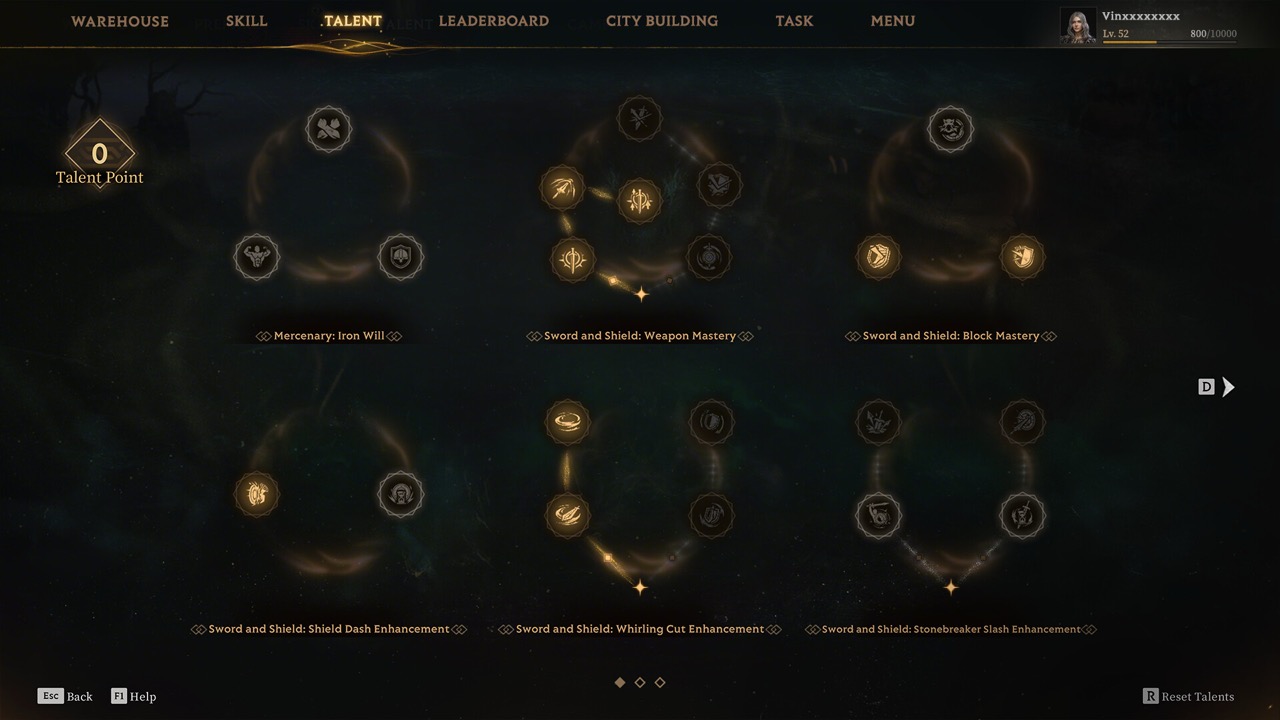
Camp upgrades and stash do not transfer platforms · Game imagery used for editorial context Confirm friends are in the same store region. Crossplay does not remove region matchmaking walls.
Progress past the intro until Team / social invites are available (do not expect full party tools on the first minutes of a new account).
Open the Team menu and add friends by their numeric in-game Player ID — not Steam persona, PSN ID string, or Xbox gamertag alone when the UI asks for Player ID.
Crossplay is for shared raids — not shared accounts · Game imagery used for editorial context Form a party up to three, then queue. In-game voice works across platforms in party; many groups still use Discord.
If someone is missing, you can still queue duo/solo or enable fill depending on mode — see solo vs squad notes for Brandrgarde pressure.
Common blockers
Continue playing
Quick FAQ
Does Mistfall Hunter have crossplay?
Yes. Steam PC, PlayStation 5, and Xbox Series X|S share one server pool and can party and raid together (up to three hunters). Crossplay does not remove store-region matchmaking walls — friends still need the same region to queue together.
Does Mistfall Hunter have cross-progression?
No. Characters, camp upgrades, inventory, and related progress stay on the platform where you earned them. Starting on Game Pass or Steam and later buying another storefront means a separate character on that platform, not a merged account.
Does Mistfall Hunter have cross-save?
No. There is no cross-save / cloud transfer between PC and consoles. Switching platforms is a fresh start for character, camp, and stash. Cross-save and cross-progression are the same practical outcome at launch: progress does not follow you across stores.
If you only remember one line: you can play together; you cannot merge progress.
The two words people mix up
| Term | Means | Mistfall launch |
|---|---|---|
| Crossplay | Different platforms in one raid/party | Yes — PC, PS5, Xbox |
| Cross-progression / cross-save | One character follows you across stores | No |
Who this page is for
- “Can I play with my PS5 friend from Steam?” → Yes (same region).
- “I started on Game Pass, should I buy Steam later?” → Only if you accept restarting.
- “Why can’t we find each other?” → Region, wrong ID, or invites not unlocked yet.
Party size
Up to three hunters. That is the hard cap for a squad you form, not the total hunters who may share one expedition. Duo and solo party sizes still exist on content that offers them; later maps may push you into trio-shaped pressure even if you queue alone — details on solo vs squad. For platform multiplayer maximum vs community-observed match density, see lobby size: players per match.
Invite checklist (intent-first)
- Same region on store accounts.
- Intro done → Team available.
- Exchange numeric Player ID.
- Invite → party of ≤3 → queue.
Voice: in-game party VOIP is reported to work cross-platform; external apps remain optional.
Platform notes
- PC (Steam), PS5, Xbox Series X|S are the launch crossplay set.
- Day-one Game Pass on Xbox/PC does not create a shared progression bridge to PlayStation.
We mark this corroborated from multiple launch-week guides and databases. If the studio ships cross-save later, this page should be re-verified and the short answer rewritten first.
Related guides
Sources
- GameRant — Crossplay across PC, Xbox, PS5
- All Things How — Crossplay limits: no cross-progression, no cross-region
- MistfallDB — Crossplay yes / cross-progression no / party size
- Steam discussions — no cross-progression confirmation
Report a correction
Found wrong steps, missing prerequisites, or a version mismatch? Send a short note with the page URL and what you saw in-game.